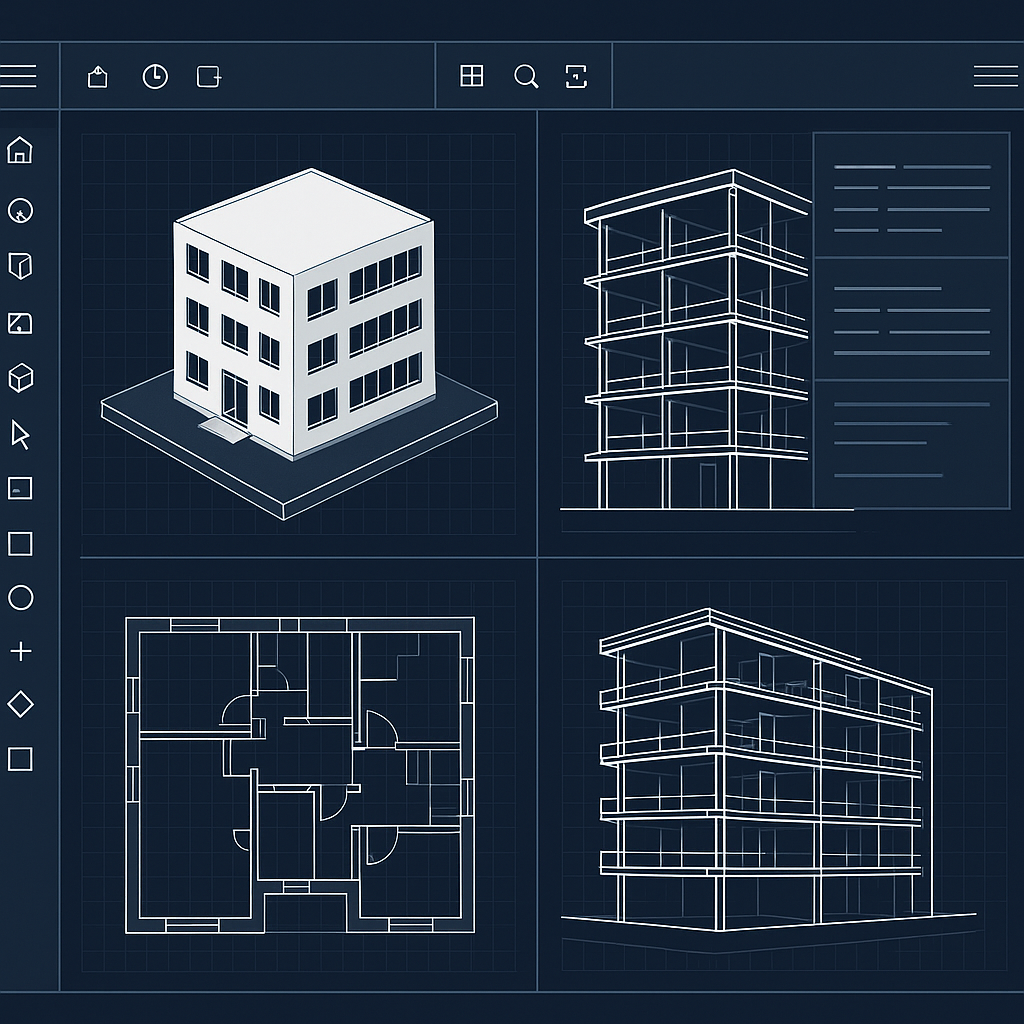
Best BIM Software for Architects in 2026: Complete Comparison Guide
By Inki LEE
Introduction: Why BIM Matters in 2026
The architectural landscape in 2026 is heavily influenced by technological advances, particularly Building Information Modeling (BIM). From its humble beginnings as a tool for 3D modeling, BIM has transformed into a comprehensive process that enhances every stage of an architectural project. This evolution matters for architects today, integrating artificial intelligence (AI) to improve accuracy, streamline workflows, and foster collaboration among stakeholders. As a Korean-French architect who has been navigating this terrain since 2008 at FORUM D&P, I can attest to the growing importance of BIM software in ensuring the success of projects, from campus masterplans to intricate residential renovations. But with so many options available, which BIM software is best suited for architects in 2026?
ArchiCAD: A Detailed Review
Being our primary tool at FORUM D&P, ArchiCAD deserves a detailed examination. Known for its user-friendliness and robust capabilities, ArchiCAD remains a favorite among architects who value intuitive design processes. Developed by Graphisoft, it caters to both beginners and veterans.
Pros
- User-friendly interface: ArchiCAD's interface is intuitive, making it easy for new users to grasp the basics quickly.
- Strong visualization: With built-in tools, the software provides detailed renderings and project visualization, crucial for client presentations and approvals.
- Open BIM support: ArchiCAD is a pioneer in the adoption of Open BIM, ensuring seamless collaboration across different platforms.
- AI integration: The evolving AI features improve design predictions, error detection, and energy efficiency evaluations.
Cons
- Resource-intensive: To operate smoothly, ArchiCAD requires significant computing resources, which might be a barrier for smaller firms.
- Learning curve: Despite its intuitive interface, mastering ArchiCAD’s full feature set requires substantial time and training.
Revit: Comparison
Conversely, Autodesk's Revit is another industry leader that commands respect, often put in direct comparison with ArchiCAD. Revit's strength lies in its comprehensive suite of tools that enable detailed MEP engineering and construction planning.
Rhino/Grasshopper: For Parametric Design
When it comes to parametric and algorithmic design, few tools can compete with the flexibility offered by Rhino and Grasshopper. This dynamic duo empowers architects to create intricate geometries and custom workflows which are increasingly essential in modern, innovative architectural design.
SketchUp: For Quick Conceptual Design
For rapid conceptualization, SketchUp remains a steadfast choice. Its simplicity and speed encourage experimentation and creativity, allowing architects to quickly visualize ideas without being bogged down by technical complexities.
Twinmotion: For Real-Time Visualization
At FORUM D&P, we leverage Twinmotion alongside ArchiCAD for real-time visualization. Produced by Epic Games, Twinmotion integrates seamlessly with CAD and BIM software, rendering outstanding, immersive experiences that bring projects to vivid life.
Comparison Table
| Software | Features | Price | Learning Curve | AI Features |
|---|---|---|---|---|
| ArchiCAD | User-friendly, Great visualization | Mid-range | Medium | Yes |
| Revit | Comprehensive suite | High | Steep | Yes |
| Rhino/Grasshopper | Parametric design | Variable | Medium | No |
| SketchUp | Quick conceptual design | Low | Low | No |
| Twinmotion | Real-time visualization | Mid-range | Low | No |
Which BIM Software is Right for Your Firm?
Choosing the right BIM software hinges on your firm's specific needs and goals. ArchiCAD may be best for those who prioritize visualization and user-friendliness, whereas Revit caters to firms seeking a comprehensive tool for architectural engineering. Rhino/Grasshopper is unmatched for parametric design, while SketchUp offers an accessible entry point for new users.
How We Use BIM at FORUM D&P
At FORUM D&P, our approach to BIM is multifaceted, supporting diverse projects like campus masterplans and residential renovations. We use ArchiCAD for detailed design development, leveraging its enhanced modeling capabilities to collaborate seamlessly across multidisciplinary teams. Together with Twinmotion, it enables us to create immersive presentations that capture the essence of our design intent and engage clients in meaningful ways.
Conclusion
BIM software is a cornerstone of modern architecture, and choosing the right tool can fundamentally impact a firm's success. While ArchiCAD remains a personal preference, each software offers unique strengths that can cater to different architectural practices. As we navigate 2026 and beyond, integrating advanced technology like AI with intuitive design processes will be instrumental in pushing architectural boundaries further. Embrace the journey, and equip your firm with the best BIM software that aligns with your vision and projects' needs.




No comments:
Post a Comment